Outcome 1&2 (Assets)
In regards to the print based medium, the various assets that can be used in a screen based setting, can range from mockups of paper, posters, business cards and letterheads to digital files of logo assets, patterns, stock photos, images, icons and even typefaces.
What is a mockup? A mockup is a full size model of an object or device etc that has not yet been built or created, showing how it will look or operated. These types of assets are usually 3D modeled in such a way that it be used for your desired usage. In relations to outcome 1 and 2, I used mockups to display the use of designs on various objects. like shown below
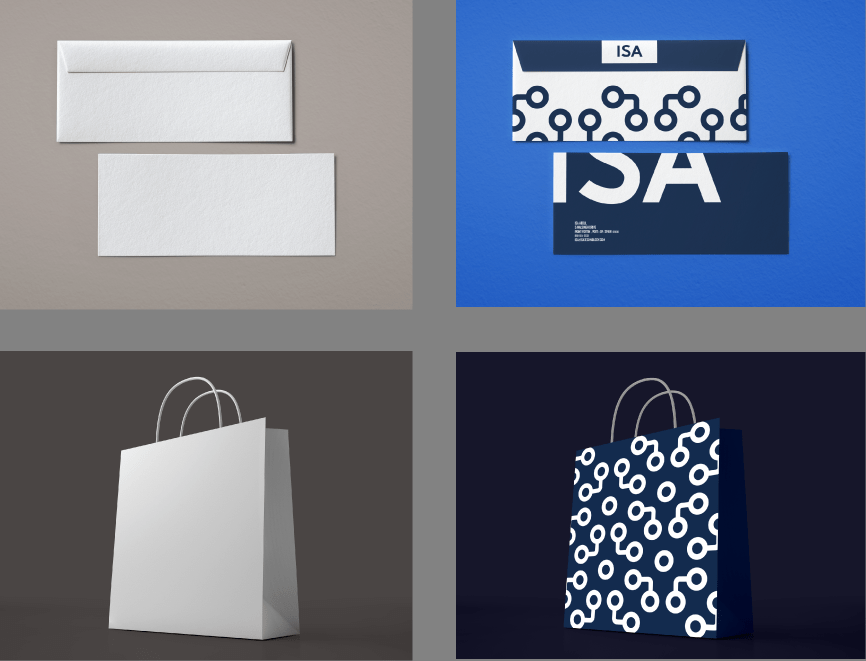
The logo assets are usually the most important because logos are shown everywhere especially in various colours.

Outcome 3&4 (Assets)
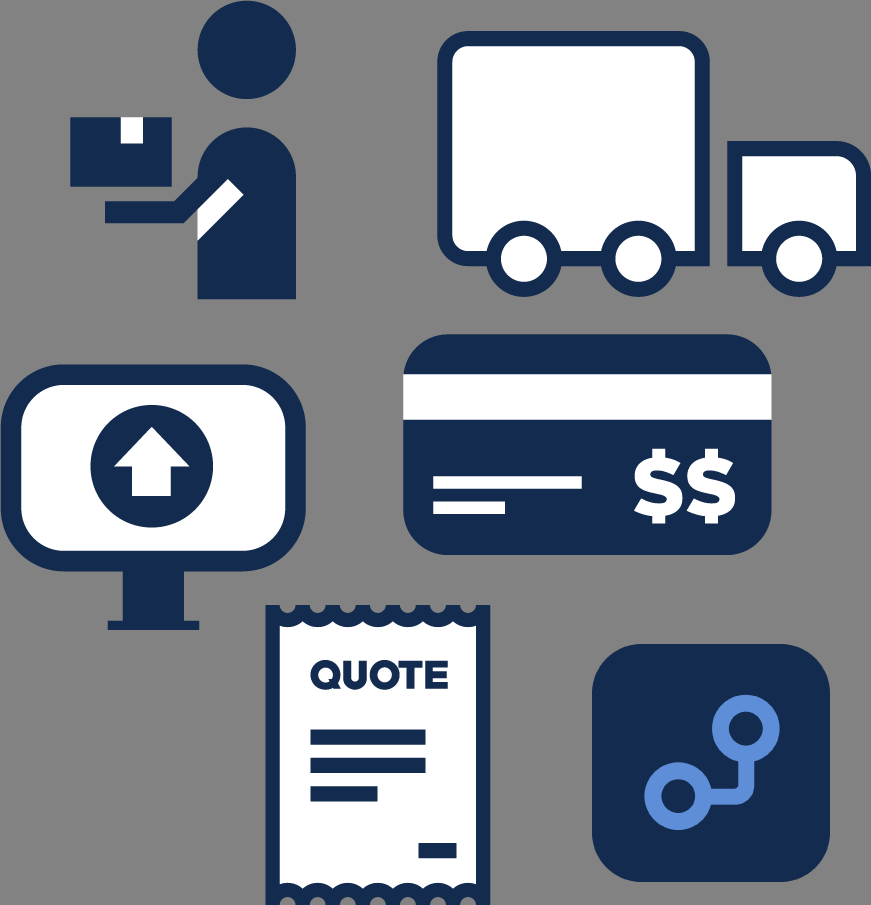
The types of assets that can be used in videos and apps are much more different than in print. In the digital space, there are digital assets that can be created by using your camera and taking pictures or created using softwares (this will be talked about further in the blog. Images and short video clips are common assets. Some of the assets used throughout the ISA app were icons.
Softwares & Hardwares
Softwares and hardwares go hand in hand, you can’t have softwares without hardwares and hardwares need softwares in order to finish the desired outcomes for this assignment. Softwares are a set of instructions data or programs, that tells a computer how to work while hardwares, refers to the physical parts of a computer and/or to related devices.
Outcome 1&2 (Softwares and Hardwares)
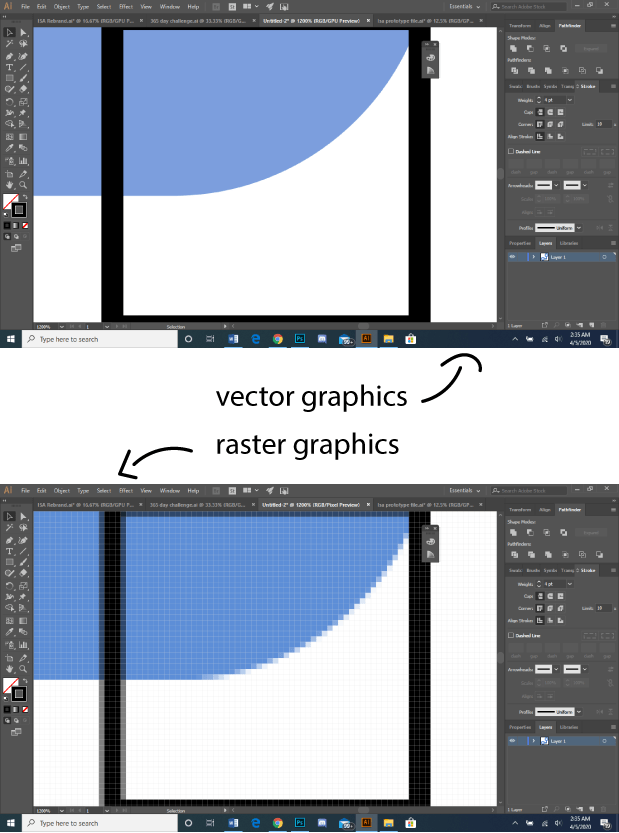
The softwares that were involved to create outcome 1 & 2 were Adobe Photoshop and Adobe Illustrator. Bare in mind as although these two softwares are similar, they both were created to serve different purpose. Adobe Photoshop was created to work with raster based graphics while Adobe Illustrator was created to deal with vector based images. In simpler terms, with Adobe Photoshop you can’t scale expoted files in sizes while with Adobe Illustrator you can.
I used Adobe Illustrator to create to create the assets while I used Photoshop to apply them onto rendered images to creates mock ups for the outcomes. In terms of techniques used, one of the techniques I used was sketching out the logo and then scanning it with a scanner so that I can trace it over in Adobe Illustrator so I can get my digital asset. I use this technique mainly because I feel my ideas flow fluently when I put pencil to paper, then I use Illustrator for the final touch ups.
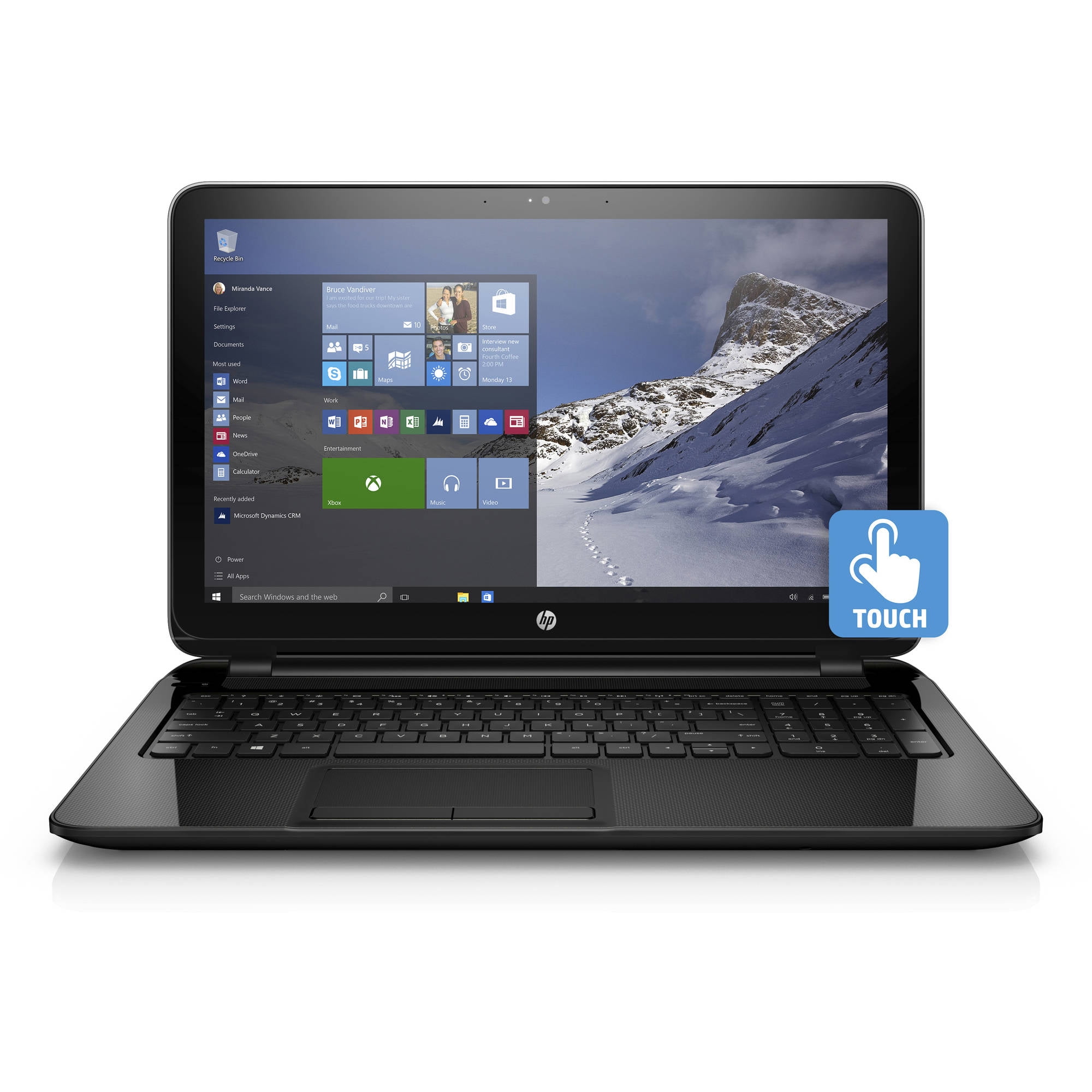
So the hardware used to create the outcomes 1&2 was the HP 15-f211wm Notebook PC. This PC contains a 2.16GHz Intel Celeron N2840 Processor with Turbo Boost Technology up to 2.58GHz Dual Core, it also has 4gb of memory and 500gb of storage. As far as hardware peripherals go, I only use the scanner as a method of quickly converting my physical sketches to digital drawings.
Outcome 3&4 (Softwares and Hardwares)
Outcome 3&4 involved alot of different softwares and hardwares. Starting with Outcome 3 , the video commercial. The only software involved was Adobe Premiere Pro, which is a video editing software. The hardware used to edit it was an iMac computer. There were also three cameras used to create this video. The first part of the video, we shot it with a Canon EOS Rebel T5 with a 18-55mm lens, the camera comes with a 18 megapixel APS-C CMOS Sensor, a 3.0″ 460k-Dot LCD Monitor with
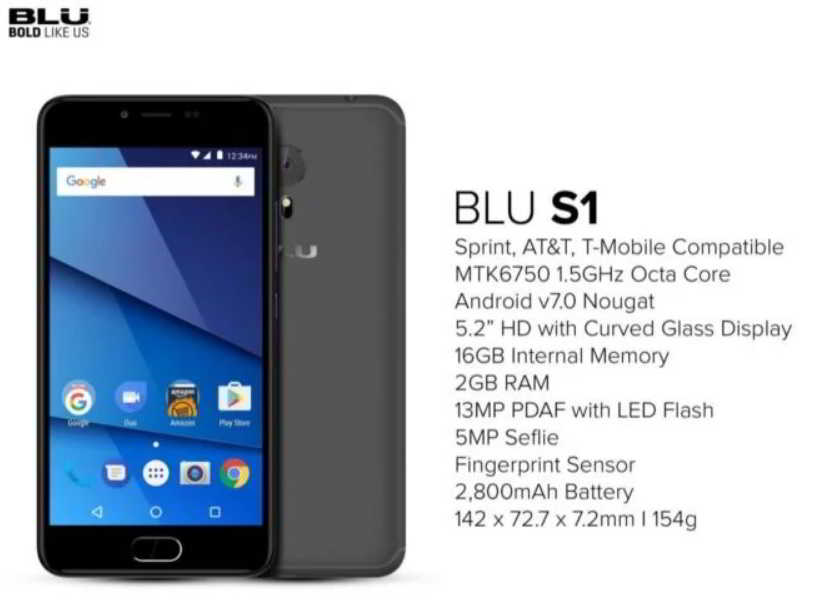
DIGIC 4 Image Processor and a Full HD 1080p Video Recording at 30 fps. The second part was shot with my BLU S1 camera of 13 megapixels. The clips from this came out so crisp not only because of the good megapixel count but also the octa-core that it runs on in the hardware. The final part was shot on a Canon Rebel T1i with a 18-15mm lens, the camera comes with a 15.1- megapixel CMOS sensor with DIGIC four image processor, full HD video capture at 1920 x 1080 resolution; HDMI output and 3.0-inch Clear View LCD; Live View Function for stills (Quick, Live and Face Detection AF modes) and video. As far as hardware peripherals are concerned, only the iMac USB mouse and USB keyboard were used. I use the mouse to navigate myself around softwares while the keyboard was used mostly for the use of shortcut keys.

With Outcome 4, the only software used to create the app was the Marvel App. To me, right now they are the best in helping you create good app prototypes for free.
Outcome 5 (Software and Hardware)
The softwares used to produce outcome 5( the radio ad) were applications that I could download from the playstore. I used an app called, sound recorder, to recorder my short radio ad, and another app called Music Editor, this app was used to edit the recording that I recorded. As far as hardware is concerned, for this recording I used my BLU S1 smartphone. The specs are listed in the image above this sub- topic.
Bibliography
Envatotuts+ (2018). What Is a Mockup?. Available at: https://design.tutsplus.com/tutorials/what-is-a-mockup–cms-32231 (Accessed: 4th April, 2020)
Zorraquino (2018?). What is a mockup?. Available at: https://www.zorraquino.com/en/dictionary/digital-marketing/what-is-mockup.html (Accessed: 4th April, 2020)
Cambridge Dictionary (2005?). mock-up. Available at: https://dictionary.cambridge.org/dictionary/english/mock-up (Accessed: 4th April, 2020)
penji (2017). The 6 Most Important Assets For Your Brand Identity. Available at: https://penji.co/brand-identity/ (Accessed: 4th April, 2020)
TechTarget (2015?). software. Available at: https://searchapparchitecture.techtarget.com/definition/software (Accessed: 5th April, 2020)
TechTerms (2006). Hardware. Available at: https://techterms.com/definition/hardware (Accessed: 5th April, 2020)
Encyclopaedia Britannica (2006). Raster graphics. Available at: https://www.britannica.com/technology/raster-graphics (Accessed: 5th April, 2020)
TechTarget (2006?). vector graphics. Available at https://searchwindevelopment.techtarget.com/definition/vector-graphics (Accessed: 5th April, 2020)
Technos Amigos (2018). Blu S1 Smartphone Specifications, Features & Price in USA. Available at https://technosamigos.com/wp-content/uploads/2018/03/BLU-S1.jpg (Accessed: 5th April, 2020)
 Primo & His Screen Based Practices